Common Resources
In this step, we will create some common resources for our VPC with Terraform script:
# The locals block will be used to save some common information and ca be re-use in another place
locals {
  vpc = {
    name            = "My VPC"
    cidr            = "172.31.0.0/16"
    public_subnets  = ["172.31.1.0/24", "172.31.2.0/24"]
    private_subnets = ["172.31.3.0/24", "172.31.4.0/24"]
  }
}

# Terraform will fetch and filter all Availability Zones in the default Region of AWS CLI
data "aws_availability_zones" "available" {
  filter {
    name   = "opt-in-status"
    values = ["opt-in-not-required"]
  }
}

############### VPC ###############
module "vpc" {
  source  = "terraform-aws-modules/vpc/aws"
  version = "5.0.0"

  name            = local.vpc.name
  cidr            = local.vpc.cidr
  azs             = slice(data.aws_availability_zones.available.names, 0, 3)
  public_subnets  = local.vpc.public_subnets
  private_subnets = local.vpc.private_subnets

  enable_nat_gateway      = true
  map_public_ip_on_launch = true
}
The locals block is useful for saving some general config and normal re-use in some difference blocks.
When run terraform plan, it will fetch all the data block, which included data.aws_availability_zones and use its data to another block.
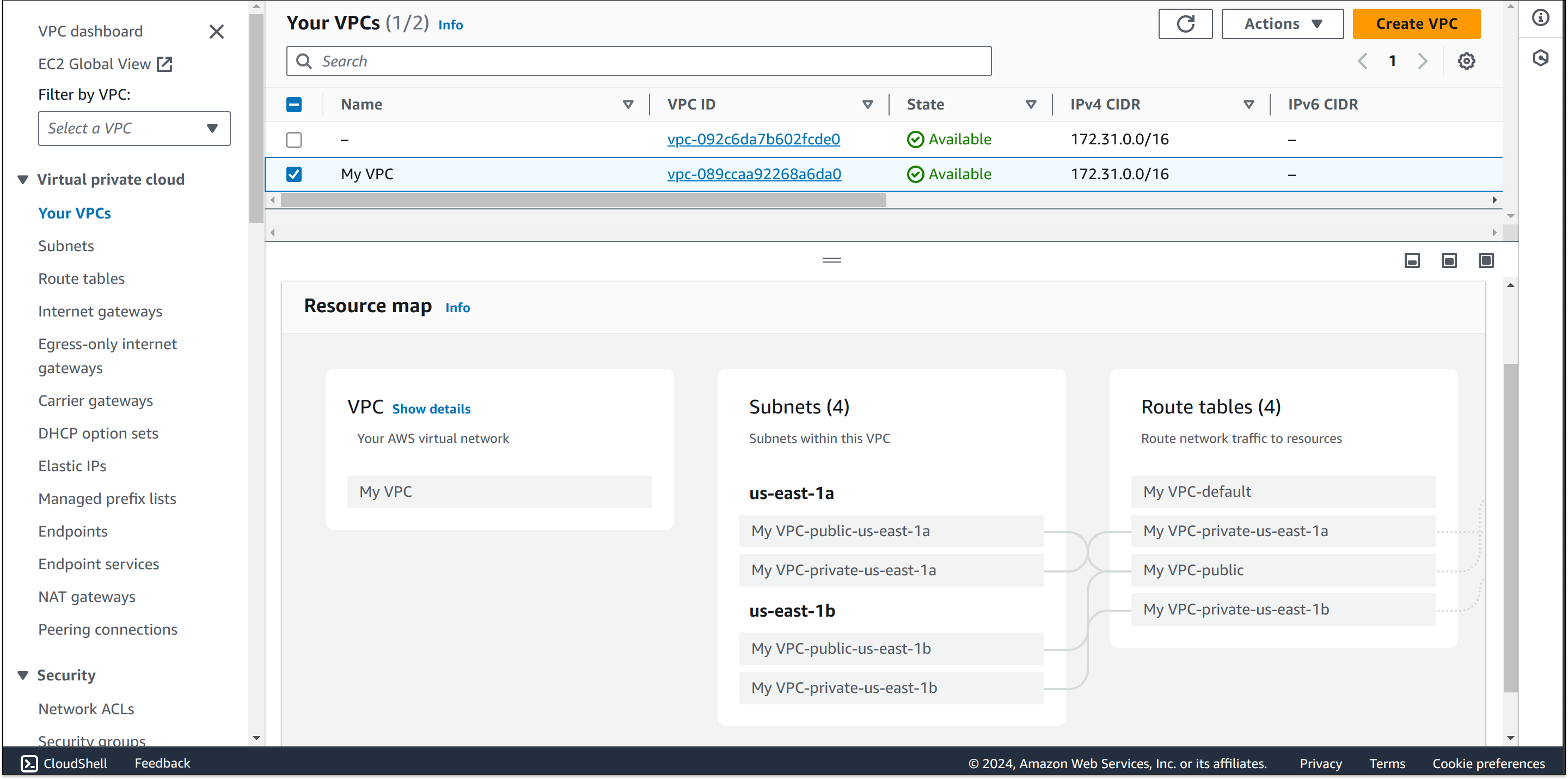
The module.vpc uses terraform-aws-modules/vpc/aws with some default configuration, We will custom it with our configuration in locals block.
Result in AWS Console